
All insights

Can AI make a video ad of your actual product? A guide by material

Which products AI video renders well and which it gets wrong, sorted by material and action, with a six-question scorer that splits your brief between AI and real footage.

Marianne Larsen
AI Producer, AI Vidia

Yes for most products, with limits set by the material and the action. AI video reproduces how a product looks more reliably than how it behaves. Matte, rigid products in simple scenes come out well, while clear glass, liquids, small print, hand contact and fine repeating detail break more often. Score your product and shot below to decide what to generate and what to film.

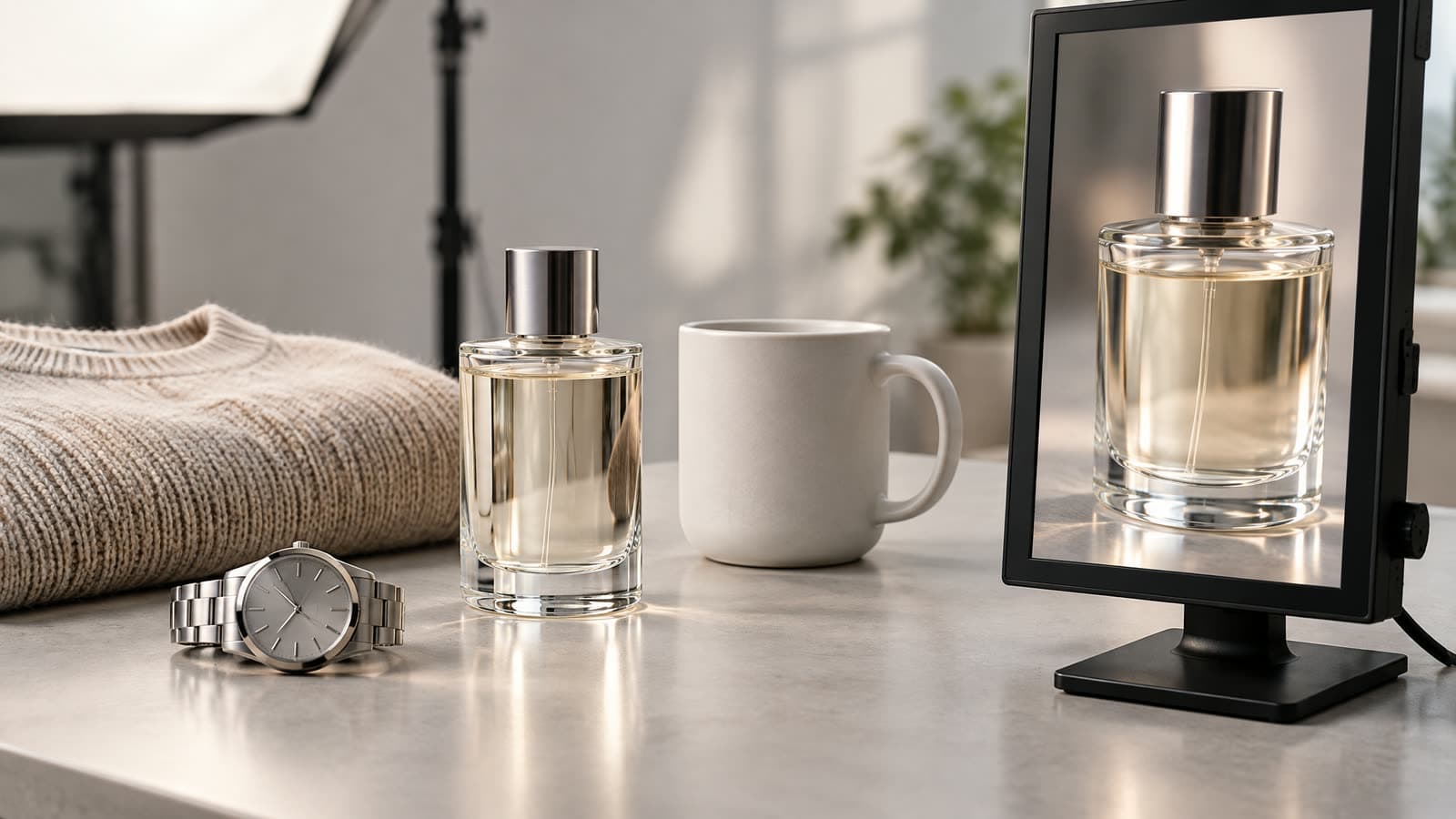
Products in different materials on a studio table under soft light, a glass perfume bottle, a matte ceramic mug, a knitted sweater and a steel watch, with a vertical monitor beside them showing a close-up frame of the glass bottle
Image generated with AI: products in four materials on a studio table, with a vertical monitor showing a frame of the glass bottle.
On this page7 sections
  1. 01Why does AI video get the look right and the physics wrong?
  2. 02Which product materials are easy for AI video, and which are hard?
  3. 03Why do hands and moving parts fail more often than the product itself?
  4. 04Score your product before you write the brief
  5. 05When does an AI shot become a product demonstration?
  6. 06What should you send before production starts?
  7. 07How do you review a generated clip frame by frame?

Current AI video models copy how a product looks far better than how it behaves. A matte ceramic mug on a table is an easy shot. A clear glass bottle poured by a hand, with a readable ingredient label, stacks four of the hardest problems into four seconds.

So ask a narrower question. Which parts of your product, and which moments in your ad, will a model get right? Below, products are sorted by material and action, the research shows where models fail, and a six-question scorer tells you how to split a brief between generation and real footage.

Why does AI video get the look right and the physics wrong?

Video models learn from how things appear in footage. They carry no built-in sense of weight, friction or flow, so surfaces come out convincing while interactions come out uneven.

The evidence points the same way across labs. In its Sora technical report, OpenAI wrote that the model does not accurately simulate many basic interactions, such as glass shattering, and that food does not always change on screen when someone eats it. Google DeepMind and INSAIT then tested Sora, Runway, Pika, Lumiere, Stable Video Diffusion and VideoPoet on fluid dynamics, optics, solid mechanics, magnetism and thermodynamics in the Physics-IQ benchmark. Their conclusion: physical understanding is "severely limited, and unrelated to visual realism".

That second half matters for your review. A clip can look expensive and still show a pump that bends when pressed.

Models improve fast, and newer releases handle cases these studies missed. The pattern has held through each release so far: surfaces first, interactions last.

Which product materials are easy for AI video, and which are hard?

Sort your range by what the camera has to show. The table rates common materials from the easiest to the hardest to keep accurate in motion.

How product materials hold up in generated video. Ratings are AI Vidia production guidance based on the sources listed below, not a measured benchmark.
MaterialExample productsWhat tends to go wrongRating
Matte and rigidCeramics, sneakers, furniture, boxed goodsProportions drift slightly between shotsEasy
Soft goods and fabricBedding, apparel on a hanger, plush toysFolds and drape change shape from frame to frameModerate
Glossy surfaces and metalWatches, cookware, metallic capsReflections jump or show a room that is not thereModerate
Printed packagingSkincare jars, supplements, food packsSmall text is redrawn, misspelled or smearedHard
Fine repeating detailKnitwear, chains, faceted stones, woven basketsPatterns swim or merge when the camera movesHard
Clear glass and plasticPerfume, spirits, water bottlesEdges and refraction shift; contents floatHard
Liquids and gelsDrinks, serums, sauces, cleaning productsPours break physics and fill levels change on their ownHardest

Rate the shot as well as the product. A perfume bottle standing on stone is manageable, while the same bottle sprayed onto a wrist puts glass, liquid and hand contact into one moment.
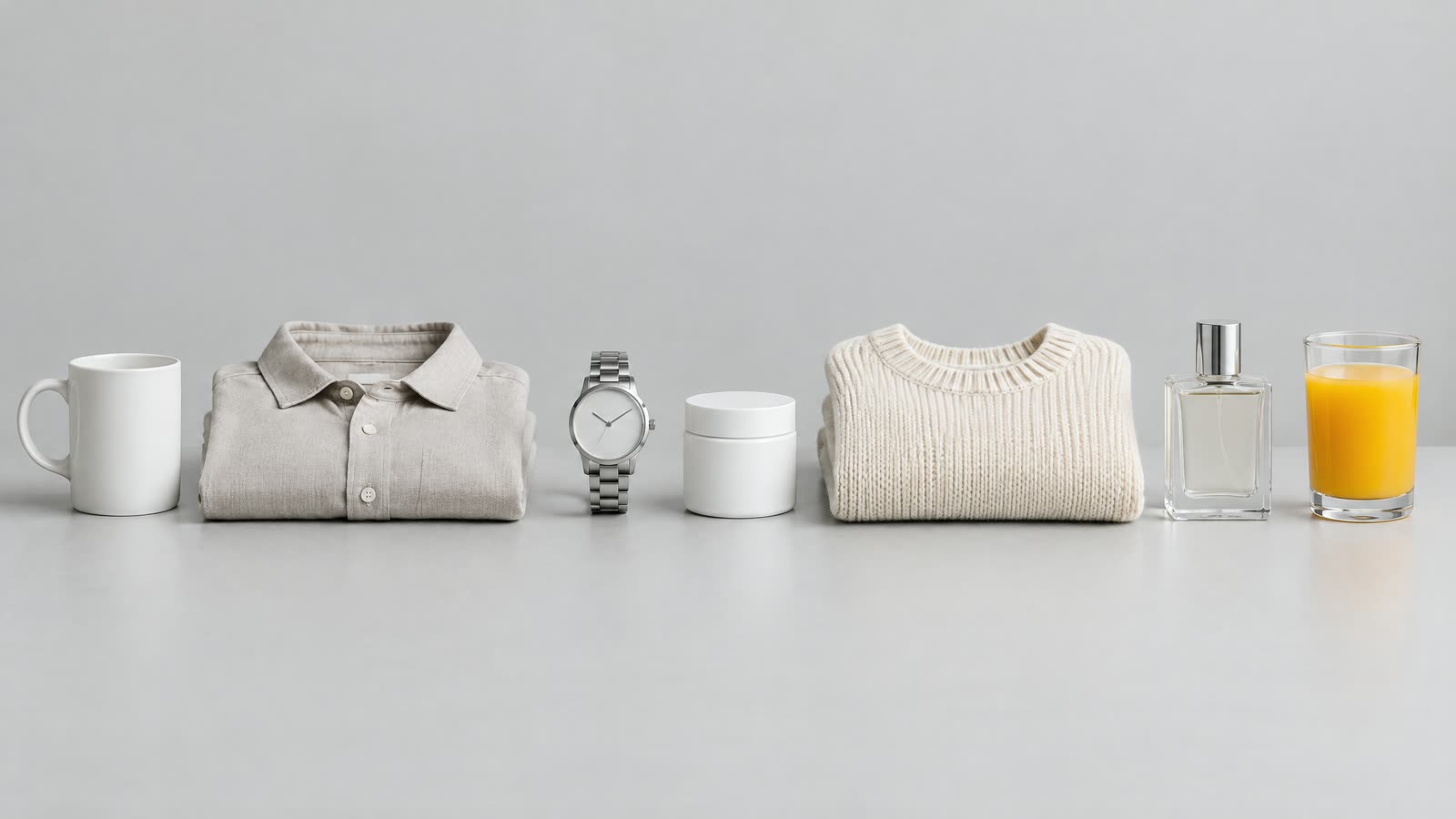
Seven products on a grey studio table in a row: a matte ceramic mug, a folded linen shirt, a steel watch, a skincare jar with a blank label, a knitted sweater, a clear glass perfume bottle and a glass of orange juice
Image generated with AI: the seven material types from the table, from matte ceramic on the left to liquid on the right.

Why do hands and moving parts fail more often than the product itself?

An interaction is harder than an object. When a hand grips a pump, two solid things have to meet, press and move together without passing through each other.

The VideoPhy benchmark measured this directly. Its authors wrote 688 prompts describing physical interactions, generated videos with models including CogVideoX, Pika, Runway Gen-2 and Luma Dream Machine, and had people judge whether each video followed the prompt and obeyed physical common sense. The best model tested, CogVideoX-5B, managed both in 39.6% of cases. For solid on solid interactions, the category that covers a hand twisting a cap or pressing a button, it managed 24.4%.
Hands and moving parts fail most oftenShare of generated videos that followed the prompt and obeyed physics, best model tested (CogVideoX-5B), by interaction type
Hands and moving parts fail most often. Share of generated videos that followed the prompt and obeyed physics, best model tested (CogVideoX-5B), by interaction type
ItemValue
All prompts40%
Solid on solid24%
Solid and fluid53%
Fluid on fluid44%

VideoPhy, Bansal et al., arXiv 2406.03520v2, Table 3: human evaluation of 688 prompts, October 2024

Two caveats keep this honest. These are 2024 models, and current ones get more prompts right. Physics-IQ found the same weakness again in January 2025, so the order of what breaks has not reversed.

For your brief, the reading is practical. Plan fewer contact moments. Keep each one short, and decide before production which of them you will film.

Need new ads?
Describe your product and what you want to test.
Send your brief

Score your product before you write the brief

Answer the six questions below for one product and one planned shot. Most ads need two or three scores, because the opening, the product moment and the proof shot rarely carry the same risk.

ScorecardCan AI video handle your product? Six questionsAnswer for one product and one planned shot. The total tells you how to split the work between AI generation and real footage.
  1. Surface

    Reflections and see-through materials are hard to keep stable from frame to frame.

  2. Text that must stay readable

    Every frame redraws the letters, so small print gets misspelled or smeared.

  3. Liquid or change of state

    Pours, foam, melting and steam are where physics errors show first.

  4. Hand contact

    A hand gripping, opening or applying the product is a solid on solid interaction, the weakest category in the VideoPhy benchmark.

  5. Fine structure

    Repeating detail tends to swim or merge when the camera moves.

  6. Does the shot prove a claim?

    Absorbs, cleans, stretches, waterproof, fits: if the shot is the evidence, the product on camera must be real.

Score: 0 of 12 · 0 of 6 answered

Answer every question to see the verdict.

How to read your score
ScoreVerdictWhat it means
0 to 3Generate end to endBuild the whole ad from a reference pack. Keep the shot list simple and review every frame for shape and colour.
4 to 7Generate the scene, film the product momentsLet AI build settings, openings and variants. Film or composite the seconds where the product is touched, poured or read up close.
8 to 12Film the proof, generate the restShoot the product-critical and claim shots for real. Use AI for openings, backgrounds and the variants around them.

A planning guide built on the research and production rules above. It is not a measured benchmark.

A low total means you can build the whole ad from a reference pack. A middle total is the usual result for physical products: AI builds settings, openings and variants, and a camera covers the few seconds where the product is touched or read. A high total puts real footage at the centre, with AI working around it.

When does an AI shot become a product demonstration?

A shot that shows mood is illustration. A shot that shows your product doing what you claim is evidence, and evidence carries stricter rules.

The line is older than AI. In FTC v. Colgate-Palmolive (1965), the US Supreme Court sided with the Federal Trade Commission against a shaving cream ad that appeared to shave sandpaper, which was really sand stuck to plexiglass. The Court separated two uses of a prop. Mashed potatoes standing in for ice cream in a scene of people enjoying dessert was acceptable. A mock-up passed off as an actual test was deceptive.

A generated clip of a serum sinking into skin, a stain lifting off a shirt or a jacket shedding rain is a mock-up by definition. Generate the world around the product. Film the claim itself with the real product, and keep the raw file.

Platforms add their own layer on top. See whether AI ads get labelled or rejected for the current rules on Meta, TikTok, YouTube and Google Ads.

What should you send before production starts?

Generation quality starts with the references. Models that accept reference images use them to hold the product's appearance, and Google's Veo 3.1 documentation lists up to three reference images per clip plus control over the first and last frame.

  • Four clean views of each product: front, back and both sides, on a plain background in even light.
  • Flat label artwork as a PDF or PNG, so every word in a generated frame can be checked against the source file.
  • A scale reference: the product in a hand or next to an everyday object.
  • A never-change list: cap colour, number of straps, logo position, the finish on the metal.
  • The claim list: every statement the ad may show as proof, so those shots are planned as real footage from day one.
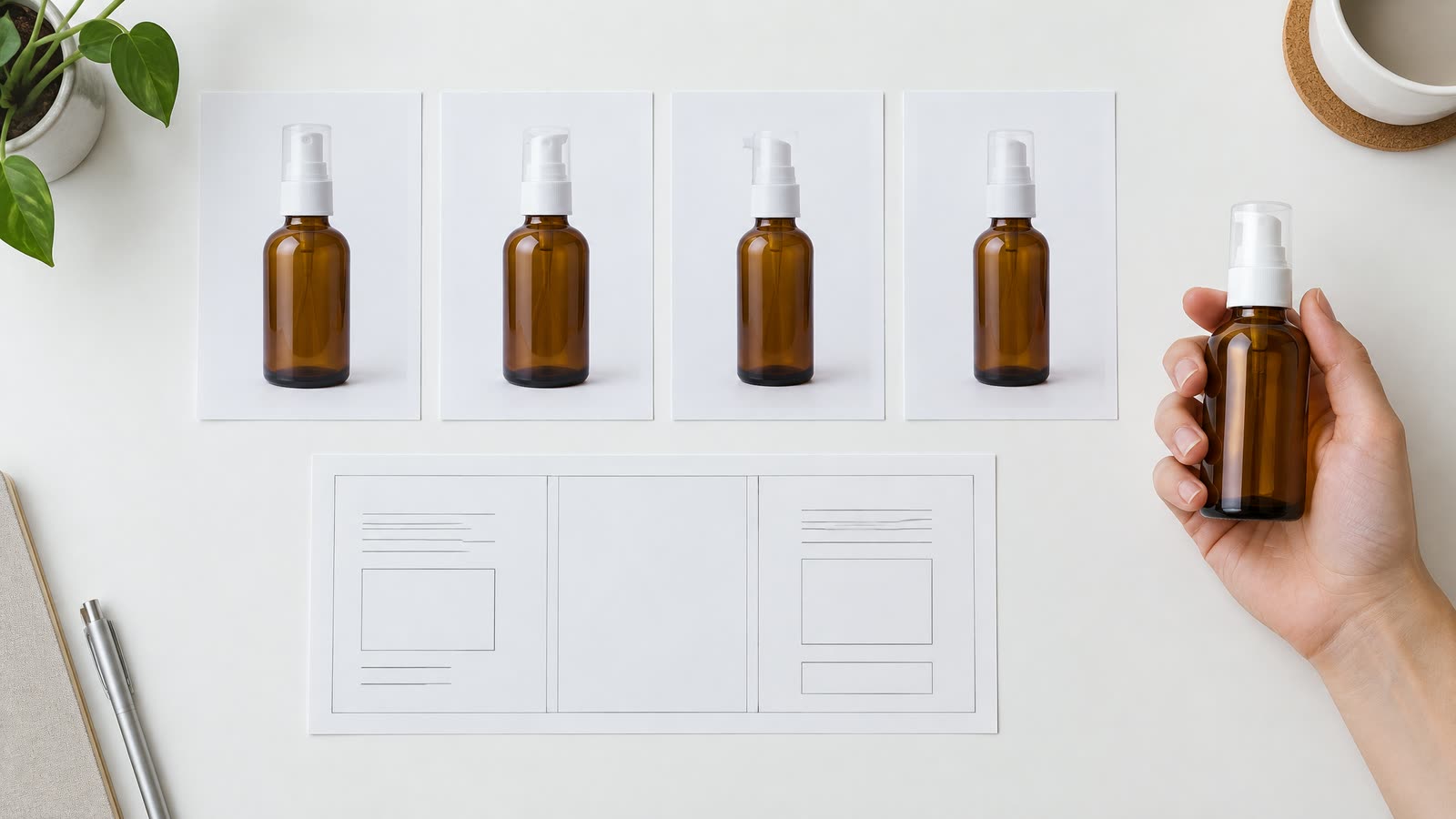
A product reference pack laid out on a white desk: four photos of the same amber skincare bottle from the front, back and both sides, a printed flat label sheet with blank lines in place of text, and the bottle held in a hand for scale
Image generated with AI: a reference pack with four clean views, the flat label artwork and a scale shot of the product in a hand.

In AI Vidia's production process, style references, character locks and the shot list are approved on day 2, before the first batch is generated on day 3. The order is deliberate. A wrong reference costs a whole batch.

Planning to reuse frames as stills in a Google Shopping feed? Check the Merchant Center image rules first. Product images must show the product accurately, and images made with generative AI must keep the IPTC metadata that marks them as AI-generated.

How do you review a generated clip frame by frame?

Watch each clip once at full speed for the feel. Then scrub it at quarter speed with the reference pack open beside it.

  1. Shape. Compare the silhouette in the first, middle and last frame, and note drift with a timestamp: "cap narrows at 0:04".
  2. Text. Read every visible word against the flat artwork. One wrong letter rejects the clip.
  3. Parts. Count what should be countable: buttons, straps, prongs on a clasp, tablets in a blister.
  4. Contact. Pause on each frame where a hand or surface touches the product. Fingers stay outside the object.
  5. Liquid. Check that the fill level drops when something is poured, and that the pour lands where it should.
  6. Colour. Hold the product colour against a real photo taken in similar light.

Write rejections as timestamped notes a producer can act on. "Label text redrawn at 0:02, reject" gets fixed within the next round of generation; "looks off" starts a conversation.

The QA gate checklist covers the full sign-off, and brand locks keep an approved look stable across a month of variants. For how the studio briefs, generates and delivers in 9:16, see AI video ads.

Your next step takes twenty minutes. Take your best-selling product and the one shot in your current best ad where the product does something. Run that shot through the scorer above, and the total tells you which seconds to film.

Frequently asked questions

01Can AI generate a video of my product from photos?
Yes. Most current video models can start from your product photos, and that gives far more accurate results than a text prompt alone. Google's Veo 3.1, for example, accepts up to three reference images to hold a subject's appearance. Accuracy still drops on clear glass, small printed text and moments where a hand touches the product, so review those frames closely.
02Which products are hardest for AI video?
Products that combine clear glass, liquids, small printed text or fine repeating detail are the hardest, especially in shots where a hand opens, pours or applies them. Matte, rigid products in simple scenes are the easiest. In the VideoPhy benchmark, the best model tested got solid on solid interactions, such as a hand twisting a cap, right in 24.4% of cases.
03Can I use AI video to show my product working?
Use it to show the product in a setting, and film the real product for any shot that proves a claim. Under the principle set in FTC v. Colgate-Palmolive, a mock-up presented as an actual demonstration is deceptive, and a generated clip of a stain lifting or a jacket shedding rain is a mock-up. Generated footage works well for openings, settings and variants around the real proof shot.
04Why does AI video get the text on packaging wrong?
Video models redraw every frame, and letters are fine detail they reproduce by appearance, so small print gets misspelled, blurred or changes between frames. Send flat label artwork with your references and check every visible word against it at quarter speed. Where the label must be readable, a composite of the real packshot or a filmed close-up is the safer route.
05How long can an AI-generated product clip be?
Most models generate short clips of a few seconds, which an editor then cuts together into a full ad. Google's Veo 3.1 documentation lists clips of 4, 6 and 8 seconds, with 8 seconds required at 1080p, at 4K or when using reference images. Short shots also help accuracy, because drift in shape and detail builds up over a longer clip.

How we made this article

Sources were read on 23 September 2026. Model limits come from the cited research and Google's Veo documentation; the material ratings and the scorer are AI Vidia production guidance built on those sources, not a measured benchmark, and no test results of our own are reported.

We research and draft with AI assistance and check figures against the sources below.

Sources

  1. 01OpenAI: Video generation models as world simulators (Sora technical report), February 2024
  2. 02Motamed et al.: Do generative video models understand physical principles? (Physics-IQ), arXiv 2501.09038, January 2025
  3. 03Bansal et al.: VideoPhy, Evaluating Physical Commonsense for Video Generation, arXiv 2406.03520v2, October 2024
  4. 04US Supreme Court: FTC v. Colgate-Palmolive Co., 380 U.S. 374 (1965), full opinion via FindLaw
  5. 05Google AI for Developers: Generate videos with Veo 3.1 in the Gemini API (updated 17 September 2026)
  6. 06Google Merchant Center Help: Image link [image_link] requirements

Next step

Get a proposal for your next ads.

Tell us about your product, audience and ad production needs. We review your brief and reply with a proposed next step.

Send your brief

Read next