Can AI video show hands using your product? What works and what to avoid
Which hand shots AI video handles and which break, from a still hold to pouring and applying, with a seven-question scorer and shot designs that avoid the failures.
Yes for a still hold or brief contact with a rigid product, and rarely for a hand that must twist, pump, pour or apply a product for several seconds. Video models draw how hands look better than how contact behaves, and benchmark results show solid on solid contact as the weakest case. Score your shot below, then cut around the failure or film the real hand.
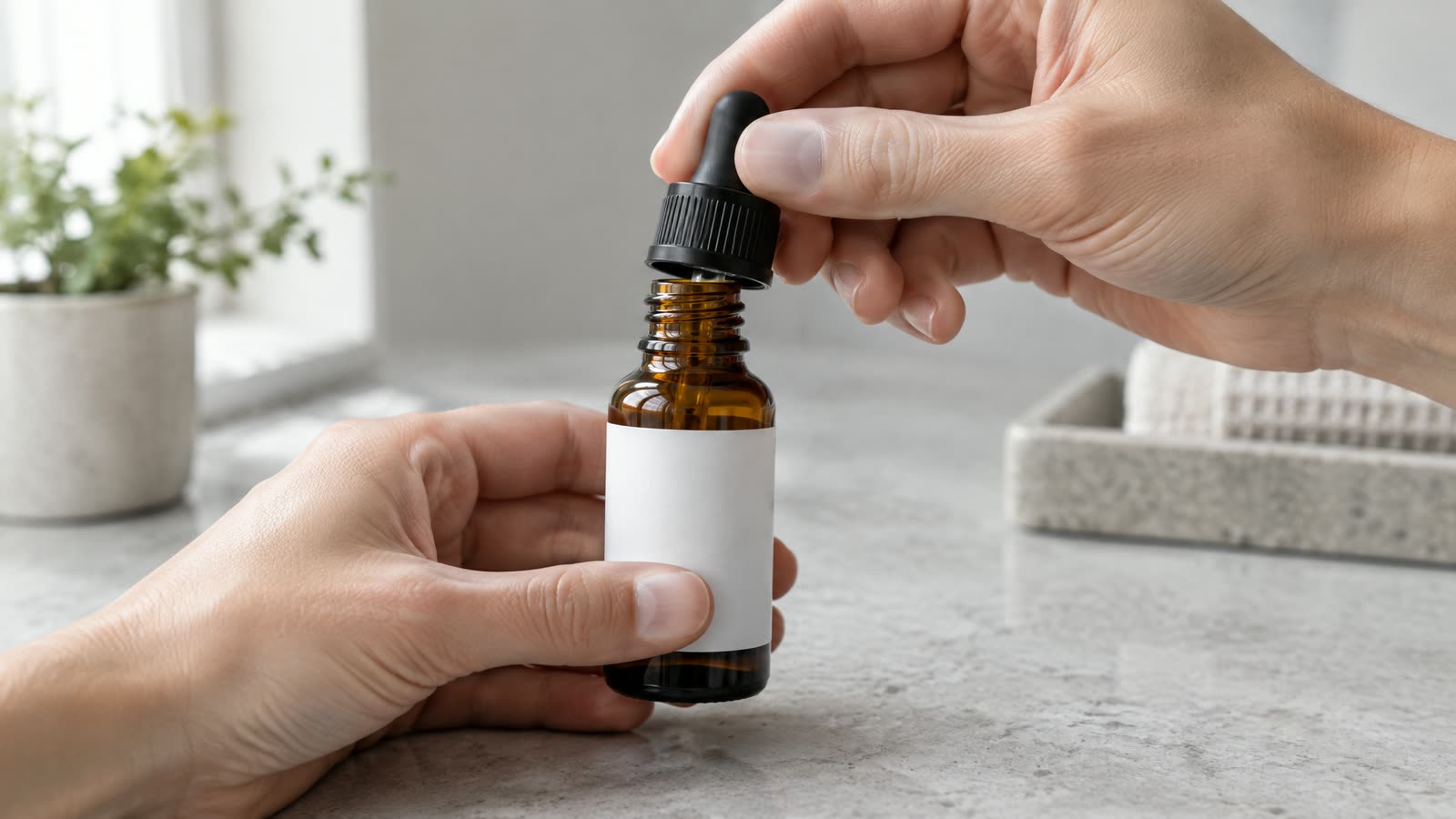
Image generated with AI: a fictional, unlabelled dropper bottle on a counter with a hand entering the frame.
A hand opening a jar, twisting a dropper or pouring a sauce sells a product faster than a pack standing on a shelf. It is also the moment where generated video shows its seams.
The answer depends on what the hand does and for how long. A hand resting on a lid for half a second is a different request from a hand that unscrews it while the camera pushes in. Score your own shot in the block further down, then use the sections that match the band you land in.
Can AI video do hands now?
Better than it used to, and still uneven wherever fingers meet the product. Hands in easy poses come out clean more often than they did. Hands that grip, twist, press or pour still produce the failures a media buyer spots in the first second: a sixth finger, a thumb that slides through the pack, a lid that changes shape as it turns.
The research explains the pattern. The authors of HandRefiner write that diffusion models often produce malformed hands, with wrong finger counts and irregular shapes, because the structure of a hand involves heavy deformation and occlusion. A hand around a product adds a second object that hides part of the hand and must keep its own shape.
Treat every hand shot as a small production decision. Some are safe to generate. Some need a different camera angle. A few need the real product and a real hand on camera.
Why do contact shots break when a still hand looks fine?
A video model draws each frame to look like the footage it has seen. It has no rule that a finger cannot pass through a bottle. Kang and colleagues tested this in a controlled physics setting (ICML 2025) and found that models generalize case by case, copying the closest example they have seen, and fail outside the range of their training data. Your particular pump, a cap with a quarter turn or an unusual clasp sits outside that range more often than a generic action does.
The VideoPhy benchmark measured contact directly. People judged whether each generated video followed its prompt and obeyed physical common sense. The best model tested, CogVideoX-5B, managed both in 39.6% of cases overall. For solid on solid interactions it managed 24.4%. The paper names a bottle toppling off a table as an example of that category.
Contact between solid objects was the hardest interactionShare of generated videos that followed the prompt and obeyed physics, best model tested (CogVideoX-5B), by interaction type
40%
All prompts
24%
Solid on solid
53%
Solid and fluid
44%
Fluid on fluid
Contact between solid objects was the hardest interaction. Share of generated videos that followed the prompt and obeyed physics, best model tested (CogVideoX-5B), by interaction type
Item
Value
All prompts
40%
Solid on solid
24%
Solid and fluid
53%
Fluid on fluid
44%
VideoPhy, Bansal et al., arXiv 2406.03520v2, Table 3: human evaluation, October 2024. Open models of 2024, not current commercial tools.
These were open models from 2024, so read the chart for its order and not its levels. The follow-up study VideoPhy-2 (March 2025, 200 real-world actions) reported that the best model reached 22% joint adherence on its hard action subset and named conservation of mass and momentum as a weak spot.
A hand closing around a rigid product is a solid on solid case. That reading is our inference: neither paper tests product ads. That is why contact moments deserve the most attention in a brief.
Which hand shots are low risk and which are high risk?
Sort the shots in your brief by what the hand does. The table runs from the safest request to the riskiest.
Hand actions from lowest to highest risk in generated video. Ratings are AI Vidia production guidance based on the sources listed below, not a measured benchmark.
Hand action
Example
What tends to go wrong
Risk
No contact
Product on a counter, hand out of frame
Nothing hand related
Low
Still hold
A hand rests on a lid or holds a tube to camera
Finger count and thumb position drift between frames
Low to medium
Grip and lift
A hand picks up a bottle and raises it
Fingers merge into the pack and the weight looks wrong
Medium
Pour
A sauce, oil or drink leaves the container
The stream thins or breaks and the fill level changes
High
Fine manipulation
Twisting a cap, pumping, using a dropper, closing a clasp
The part changes shape and a finger passes through it
High
Apply to skin
Smoothing a cream or serum onto a hand or face
Texture and skin look wrong, and the result reads as a claim
High
Contact type is only the first input. Longer contact gives the model more frames to get wrong. Two visible hands double the fingers to count. A product that hides the fingers forces the model to invent what is behind it. Clear glass, liquids and fast camera moves each add risk on top.
Image generated with AI: a fictional, unbranded dropper bottle at the moment a hand lifts out the dropper, the kind of fine handling the scorer rates as high risk.
ScorecardScore a hand shot before you generate itPick the option that matches the shot in your brief. The total is a risk band, not a prediction for a specific model.
Score: 0 of 21 · 0 of 7 answered
Answer every question to see the verdict.
How to read your score
Score
Verdict
What it means
0 to 4
Low risk: generate it and review it
Generate the shot, check finger count and product outline at quarter speed, and keep the take that passes. Keep the contact short.
5 to 9
Medium risk: reframe before you generate
Use one of the alternatives: cut on contact, a first-person angle with fewer visible fingers, or the product at rest after the hand leaves. Expect several rejected takes if you keep the full action. If the shot proves a claim, film it with the real product.
10 to 21
High risk: film it or design around it
Film the real hand and the real product, or composite a real hand plate into a generated scene. If the shot proves a claim, the demonstration must reflect how the product really performs, so generating it is not an option.
Points are AI Vidia production guidance built on the sources in this article. They are not a measured benchmark.
A medium band means the idea can work with a changed shot. A high band means the action itself is the problem, and no prompt fixes that reliably.
Need new ads? Describe your product and what you want to test.
Do pours, squeezes and textures fail the same way?
Liquids fail differently. In the VideoPhy data, solid and fluid interactions scored 53.1% for the best model, the strongest of the contact categories, which still leaves almost half of the prompts failing. A stream that looks right for two seconds can thin out, change thickness or fill a glass that was already full.
Check the stream, the fill level and the container in every pour. The stream keeps one thickness from the container to the surface. The level rises once and stays where it lands. The container keeps its shape while it tilts.
Squeezes and dollops follow the same logic. A gel that holds a peak on the fingertip is a texture claim, and so is a cream that melts into skin. That leads to the second question about any hand shot: is it a scene or a proof?
How do you design the shot so the failure never shows?
Most of the fixes happen in the shot plan and not in the prompt. These five alternatives cover the medium and high bands, listed from the cheapest to the most expensive.
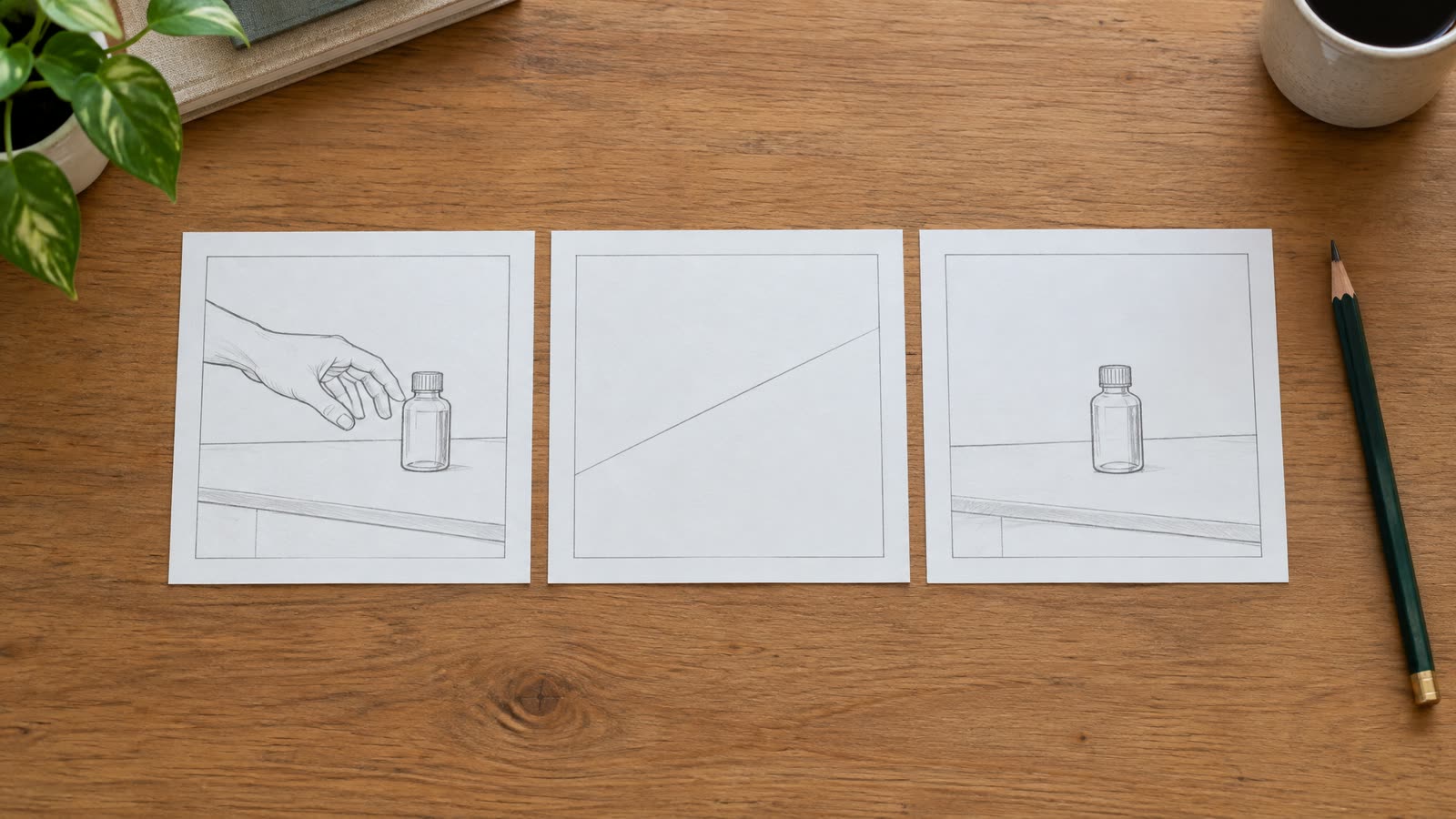
Cut on contact. The hand enters at 0:01 and the edit cuts at 0:02, before the fingers close. The next shot already shows the product opened or in use.
First-person framing. Put the camera at the eye line of the person using the product, so only a thumb and forefinger reach into frame. Fewer visible fingers means fewer places to fail.
Product at rest after the hand leaves. Show the hand set the product down, then hold on the product alone for the last seconds of the beat.
A real hand plate composited in. Film a real hand doing the action on a plain background and composite it into the generated scene.
Real footage for the demonstration. Film the real product and a real hand for any shot that proves what the product does.
Image generated with AI: the cut-on-contact plan as three panels, hand enters, cut, product at rest.
Write the plan into the brief with timestamps. A line such as "hand enters 0:01, cut 0:02, product at rest 0:02 to 0:04" tells the producer where the contact ends and gives your editor the cut point.
When does a hand shot turn into a claim?
A hand pouring a sauce into a bowl is a scene. A hand smoothing a cream that visibly vanishes into skin is a statement about what the cream does. Advertising rules treat the second one as evidence.
The classic case is FTC v. Colgate-Palmolive, decided by the US Supreme Court in 1965. A shaving cream commercial showed sand on a sheet of plexiglass standing in for sandpaper. The Court held that presenting a mock-up as a real test is deceptive, even when the underlying claim about the product is true. By analogy, a generated clip of a serum absorbing or a spray clearing a stain is a mock-up.
The UK regulator says the same about visuals. Its guidance on production techniques (updated 18 August 2025) states that visual claims should not misleadingly exaggerate the effect a product can achieve, and that before and after images must reflect typical results. On 11 June 2026 the ASA added in its note on AI and deepfakes that the CAP Code is media-neutral, so the rules apply however the ad was made, and that the advertiser stays responsible when automated tools produce the content.
This is guidance from one US case and one UK regulator, and not legal advice for your market. It supports a simple working rule. Mark every hand shot in the brief as scene or proof. Scene shots can be generated. Proof shots use the real product and a real hand.
How do you review hand shots before sign-off?
Review is where a clean hand gets selected. It does not come from the first take. The steps below are a short pass for every clip.
Play the clip at quarter speed, once for each visible hand.
Count fingers on the first frame, the contact frame and the last frame.
Watch the product outline through the contact moment. The cap, pump and label must keep their shape.
Write a timestamped note for each defect, such as "cap warps at 0:06" or "thumb passes through the pump at 0:03".
Decide per clip: keep, regenerate, reframe with one of the alternatives above, or film.
Set a limit. After three rejected takes of the same contact moment, change the shot and leave the prompt alone. The same defect list belongs in your creative QA gate and your brand safety review, so approvers see the same notes.
Try this in 20 minutes. Open your current brief and list every second where a hand touches the product. Score each one with the block above, mark which ones prove a claim, and pick an alternative for every medium or high result. If you want a producer to run the same pass, the process page shows where review sits in a project, and the AI video ads service describes what gets delivered.
Frequently asked questions
01Can AI video generate a realistic hand holding my product?
Yes for a still or slow hold that lasts about a second, with the fingers in view and a rigid product. Reliability drops when the hand grips hard, wraps around the pack or holds it for several seconds. Review the take at quarter speed, count fingers at the first, contact and last frames, and regenerate or reframe when the thumb or the pack changes shape.
02Why does AI struggle with hands?
The authors of HandRefiner attribute malformed hands to the way hand structure involves heavy deformation and occlusion, which makes it hard for diffusion models to learn. A hand has many joints, changes shape with every grip and is often partly hidden. Adding a product adds a second object that hides fingers and must keep its own shape, so contact shots fail more often than hands alone.
03Can I show a hand applying my cream or serum in AI video?
Use AI video for the scene and film the real product for the result. A generated clip of cream absorbing into skin is a mock-up, and the ASA and the US Supreme Court in FTC v. Colgate-Palmolive both treat misleading demonstrations as a problem. Film the application with the real product, or cut before the texture is visible.
04How do you fix a bad hand in a generated clip?
Change the shot before you change the prompt. Cut earlier so the failing frames never appear, reframe from a first-person angle with fewer fingers, or composite a real hand plate into the scene. Tools such as HandRefiner correct hands in still images, and a video clip needs a reframe or a filmed hand instead. After three rejected takes, change the shot.
05How many hand shots should one video ad contain?
Plan one or two contact moments in a 15 second ad and keep each under two seconds. This is AI Vidia production guidance and not a measured rule. Fewer contact moments mean fewer clips to reject, and you can film the ones that carry proof instead of trying to generate them.
How we made this article
Sources were read on 30 September 2026. The percentages come from Table 3 of VideoPhy (human evaluation of 2024 open models) and from the VideoPhy-2 abstract. The risk ratings, the scorer and the review steps are AI Vidia production guidance built on those sources, not a measured benchmark. The reading that hand contact counts as a solid on solid interaction is our inference. No video tools were tested for this article, and the images are AI-generated illustrations of a fictional product.
We research and draft with AI assistance and check figures against the sources below.