Which seconds of your ad should never be AI-generated
Generate the setting, film the proof. Which shots in a product ad AI can generate reliably, the six kinds of shot that must be filmed with the real product, and a second-by-second plan for a 15-second ad.
Any second that proves what your product does must be filmed with the real product: performance claims, before and after pairs, hands operating the mechanism, fit on a body, small print and customer testimony. AI can generate the settings, moods, openings and product shots at rest from good reference photos. A generated demonstration presented as a real test is a mock-up, which US law has treated as deceptive since FTC v. Colgate-Palmolive in 1965.
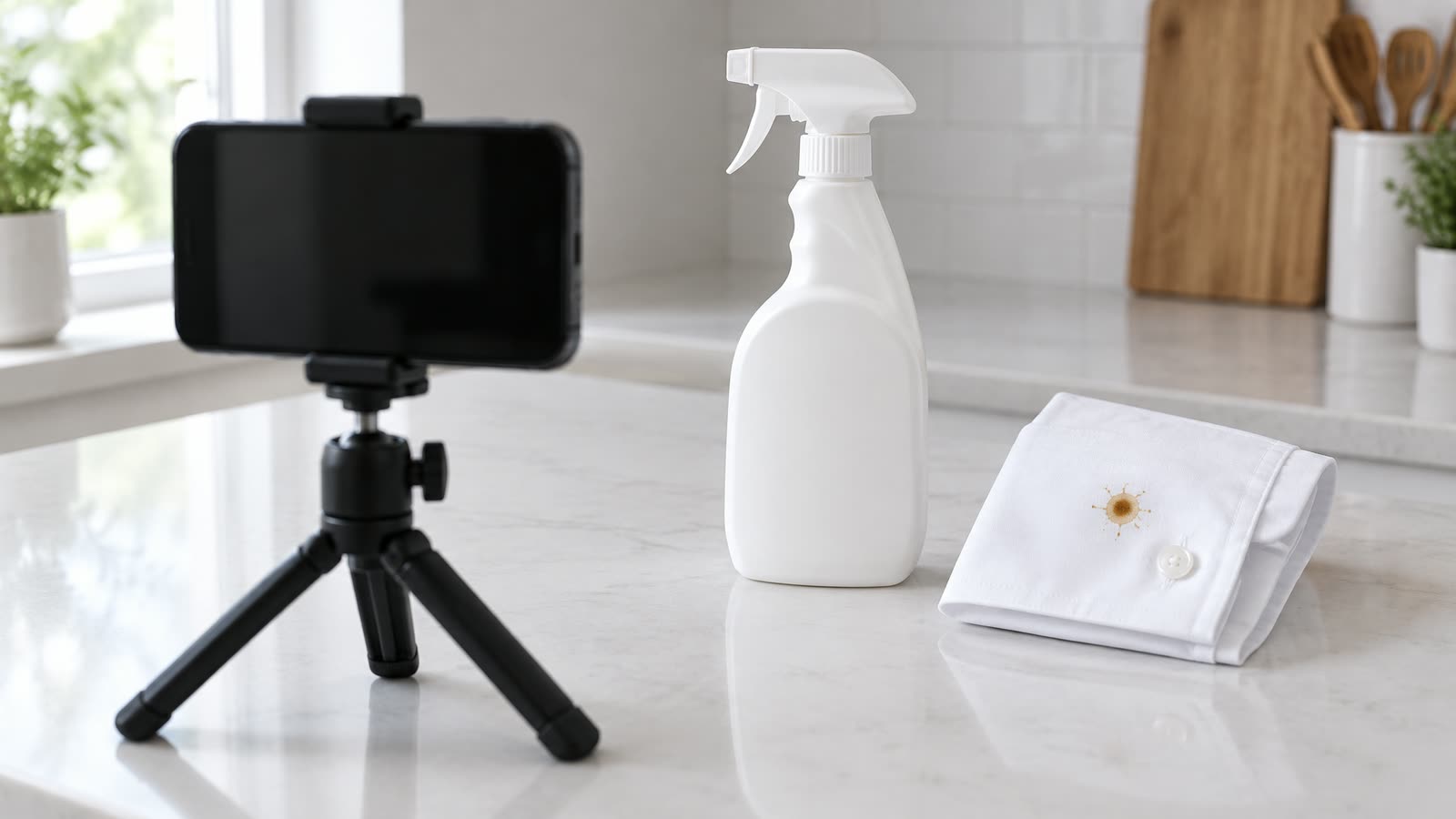
Image generated with AI: a staged scene. In a real ad, the stain and the spray removing it would be filmed.
Generate the world around your product. Film the product doing anything you claim it does. Current video models copy how a product looks far better than how it behaves, and any shot that proves a claim is evidence, whichever tool made it.
The rule is old. What changed in 2026 is the price pressure that tempts brands to break it.
Why is the split between generated and filmed seconds a budget question?
Because creators charge by the video, and paid social needs a lot of them. Influee, a UGC marketplace, puts the median creator rate at around 175 dollars per video, with beginners near 100 dollars and experienced creators at 500 or more. Usage rights add 30 to 50% of the base rate, raw footage another 30 to 50%, and whitelisting for Spark Ads about 30% a month. The page is dated April 2025 and gives no method, so read the figures as marketplace estimates.
A single creator UGC video often costs more than 100 dollars before rightsTypical price per video by creator level, US dollars, before usage rights and raw footage
Beginner creator, about100
Median creator175
Experienced creator, from500
A single creator UGC video often costs more than 100 dollars before rights. Typical price per video by creator level, US dollars, before usage rights and raw footage
Item
Value
Beginner creator, about
100
Median creator
175
Experienced creator, from
500
Influee, UGC Rates 2026 (page dated 18 April 2025): marketplace estimates, no stated method
Run it for a brand that wants 40 new videos a month. 40 times 175 dollars is 7,000 dollars. Add usage rights at 30 to 50% and the bill is 9,100 to 10,500 dollars a month, before raw footage, whitelisting or a single dollar of media. Kevin Dosanjh compares the two cost models in detail in AI UGC costs and creator video fees.
That arithmetic is why brands move production to AI. The mistake is to move the proof shots with it.
Which shots can AI generate reliably?
Settings, moods, openings and product shots at rest, built from good reference photos. Google's Veo 3.1 documentation lists up to three reference images per clip, and working from references keeps shape and colour far closer to the real product than a text prompt alone.
Where models break is physics. OpenAI's Sora technical report says the model "does not accurately model the physics of many basic interactions, like glass shattering". Google DeepMind and INSAIT's Physics-IQ benchmark found physical understanding "severely limited, and unrelated to visual realism". In the VideoPhy benchmark, the best model tested got solid-on-solid interactions, such as a hand twisting a cap, right in 24.4% of cases.
Those studies test 2024 models, and newer ones do better. Marianne Larsen's guide to what AI video gets right by material rates materials from matte ceramics to liquids and scores individual shots. Sort your products with it first; the seconds come next.
Which seconds should never be generated?
Six kinds of shot belong on camera with the real product. Put them on the shot list before anyone writes a prompt.
Shots to film with the real product. AI Vidia production guidance based on the FTC and case law cited here and the model research above.
Shot
Why it stays real
What to generate instead
A performance claim: a stain lifting, a serum absorbing, a jacket shedding rain
It is a demonstration, and a generated one is a mock-up
The setting before and after the claim moment
Before and after pairs
Both halves are evidence for the same claim
The mood around them, never the result itself
A hand operating the mechanism when the mechanism is the point
Pumps, clasps and caps are where contact physics fails
The product at rest, or a cut on contact
Fit, size or scale on a body
A generated drape or fit is a promise about the real item
Flat lays and detail shots from references
Ingredient lists, dosages and legal text
Models redraw small print, and one wrong word is a false claim
Type the text in the edit
A customer telling their story
A person who does not exist cannot have an experience
A presenter clearly shown as a presenter
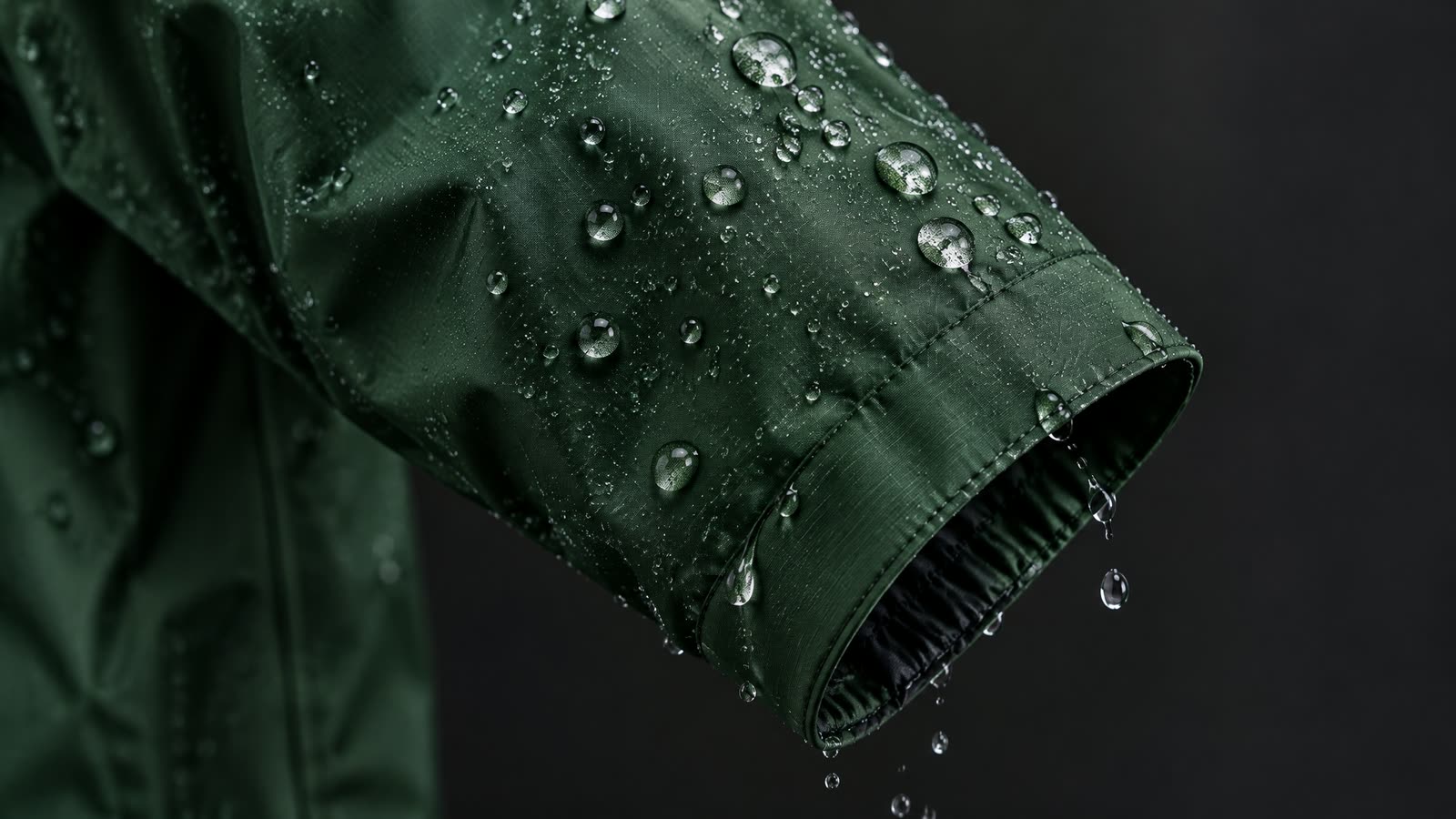
Image generated with AI to show the shot type. In an ad that claims the jacket keeps rain out, this second must be filmed with the real jacket.
When does a generated shot become a false demonstration?
A shot that shows mood is illustration. A shot that shows the product doing what you claim is evidence, and evidence has stricter rules.
The line was drawn in FTC v. Colgate-Palmolive in 1965. A shaving cream ad appeared to shave sandpaper; the "sandpaper" was plexiglass with sand on it. The US Supreme Court held that presenting an undisclosed mock-up as an actual test is deceptive. The same ruling left room for props in scenes: mashed potatoes standing in for ice cream in a scene of people enjoying dessert falls outside the order.
Apply that to generated video. A generated kitchen is the mashed potatoes. A generated stain lifting off a shirt is the plexiglass.
Plan the split second by second
Here is a 15-second ad for a stain remover, split beat by beat. Each beat says whether it is generated, filmed or set in the edit, and why.
TimelineA 15-second stain remover ad, split into generated and filmed seconds
Generate: the momentFilm: the stainFilm: the claimGenerate: the productEdit: the end card
0:000:15
15 seconds · 15s
Time
Beat
Shot
On-screen text
0:00 to 0:02
Generate: the moment
Kitchen at breakfast, a coffee cup tips over a white shirt cuff
Mood and setting. Nothing here proves anything.
0:02 to 0:04
Film: the stain
The real stain on the real shirt, close up, camera locked off
The start of the proof, so it has to be real.
0:04 to 0:08
Film: the claim
One spray and the stain lifting, one continuous take with the real product
This is the demonstration. Keep the raw file.
0:08 to 0:11
Generate: the product
Bottle on the counter, built from reference photos, label checked word for word
Reject the clip if one letter on the label changes.
0:11 to 0:15
Edit: the end card
Product still with the brand line and offer set as text in the edit
Type all copy in the edit, never inside the generation.
Five of the fifteen seconds are generated, six are filmed and four are a product still with the copy typed in the edit. For most products the filmed seconds are small and simple: a locked-off camera, the real product, one continuous take. That is the cheapest part of the ad, and the part that protects the rest.
Image generated with AI: the kit for the proof seconds is a phone on a stand, the real product and a locked frame.
How do you film the proof seconds without a production shoot?
The filmed seconds have one job: show the real product doing the real thing, in a frame that cuts cleanly into the generated scenes around it. That takes planning more than equipment.
Match the frame first. Take a still from the generated shot that comes before the proof and copy its camera height, angle and background. A cut between two matching frames reads as one scene; a jump in angle tells the viewer something changed.
Lock the camera. Use a tripod or a clamp. A static frame makes the proof easier to believe and easier to cut, and it keeps a moving camera from hiding what the product does.
Light it like the reference pack. Use the same direction and colour of light as the reference photos the generated shots were built from, so the product looks the same in both.
Shoot the whole action in one take. Three takes of the full action, start to finish, beat twenty cut together. An edit in the middle of a demonstration is what a doubtful viewer looks for.
Keep the raw file. Store the unedited take with its date next to the claim it proves. If a platform or a customer asks, that file is the answer.
For most products this is a phone on a stand and the real item on the same kind of surface as the generated scene. The claim seconds cost little to film. They are the ones the rest of the ad depends on.
How do you keep the generated seconds true to the product?
Three habits carry the generated part.
A reference pack first. Clean views of the product, the flat label artwork, a scale shot, a never-change list (cap colour, number of straps, logo position) and a claim list, so proof shots are booked as real footage from day one.
A frame-by-frame review. Check the silhouette in the first, middle and last frame, and read every visible word against the artwork.
Timestamped rejections. "Label text redrawn at 0:02, reject" gets fixed in the next round. "Looks off" starts a meeting.
Your next step takes about 20 minutes. Take your current best ad, write down every second where the product does something you claim, and mark each one film, generate or edit. If a claim second is generated today, reshoot that second first.
Frequently asked questions
01How accurate is AI product video made from photos?
AI can generate product video from photos, and reference images keep it far closer to the real product than a text prompt alone. Google's Veo 3.1 documentation lists up to three reference images per clip. Accuracy still drops on clear glass, liquids, small print and hand contact, so review those frames against the real product.
02Can I use AI to show my product working?
Use AI to show the product in a setting, and film the real product for any shot that proves what it does. A generated demonstration presented as an actual test is a mock-up, and FTC v. Colgate-Palmolive held undisclosed mock-ups of that kind deceptive. Generated scenes around the proof are fine.
03How much does a creator UGC video cost?
Influee, a UGC marketplace, puts the median creator rate at around 175 dollars per video, with beginners near 100 and experienced creators at 500 or more. Usage rights and raw footage each add 30 to 50% of the base rate. The figures are marketplace estimates with no stated method.
04Which shots should I film instead of generating?
Film performance claims, before and after pairs, hands operating a pump or clasp when that action is the point, fit or scale on a body, and any customer telling their own story. Set ingredient lists, dosages and legal text as typed text in the edit so no model can redraw them.
05Can an AI presenter replace a customer testimonial?
An AI presenter can present your product, but it cannot give a customer testimonial. The FTC's 2024 rule bans testimonials from people who do not exist, including AI-generated ones. Show a generated presenter as a presenter, and use real customers who used the product for testimony.
How we made this article
Based on a draft by Kenneth Dosanjh. Sources were re-opened on 14 October 2026 and quoted from the primary documents; UGC prices are Influee's marketplace estimates, and the monthly cost is arithmetic from them. The shot table and the timeline are AI Vidia production guidance, not a measured benchmark.
We research and draft with AI assistance and check figures against the sources below.