

All insights

Meta ads creative fatigue: choose the right change (2026)

Investigate weaker Meta results before ordering new videos, then choose a change that addresses the actual problem.

Kevin Dosanjh
Co-founder / CMO, AI Vidia · Updated

Creative fatigue is one possible reason a Meta ad weakens: the audience has seen it too often. Meta Ads Manager shows a Creative fatigue status when an ad's cost per result reaches double that of your past ads. Rule out budget, offer, stock, landing page and measurement changes first, then choose the change that fits, such as a clearer opening or another buying reason.

A declining CTR curve being reset by a fresh batch of ad-creative variants with new hooks, on a warm off-white Nordic surface.
On this page7 sections
  1. 01Rule out the other explanations first
  2. 02A hypothetical offer example
  3. 03Match the change to the question
  4. 04From a tired winner to a new concept
  5. 05Plan a defined working week
  6. 06Check existing files before an urgent order
  7. 07Keep the findings for next time

New creative is one possible response when an ad's results weaken. Investigate what changed first so you do not produce new videos for the wrong problem.

Rule out the other explanations first

Check whether the budget, audience, placement, measurement, stock, price or landing page has changed before you call the decline creative fatigue. If the checkout is broken, a new opening will not fix it.

Repeated ad cards gradually fading beside a group of coloured cards.

For the full walkthrough of impressions, clicks and purchases, see how to investigate creative fatigue on Meta. The guide to Meta's Creative limited and Creative fatigue statuses explains what each label measures.

A hypothetical offer example

Imagine a bedding-set video previously used during a promotion that has now expired. If purchases decline, the changed offer may matter. Changing caption colour does not test that explanation.
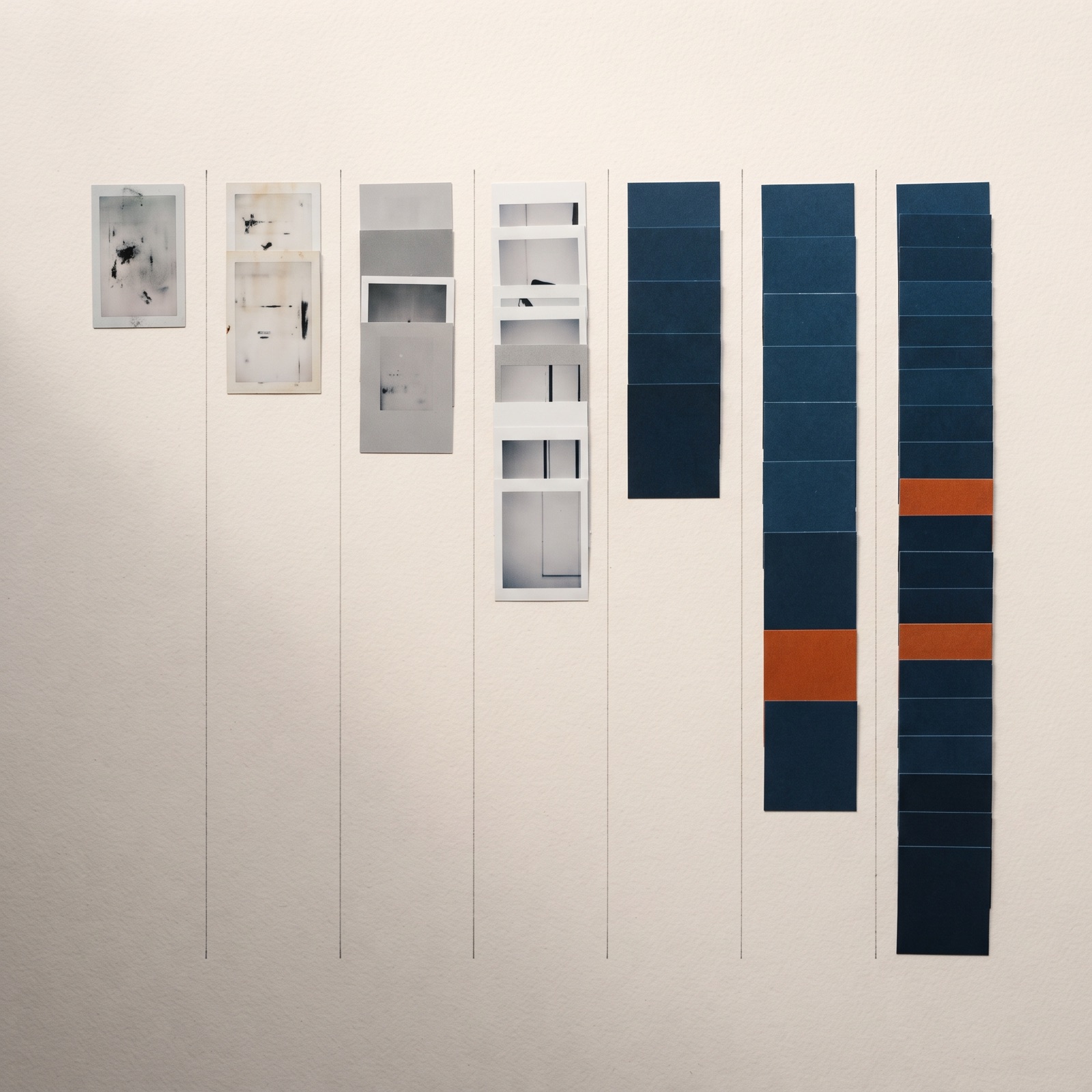
Ad cards arranged in seven staggered columns with a few orange cards.

A better next step may be aligning the ad and product page on current price and terms, then testing a new story about the product's features. If the offer is unchanged and the material repeats heavily in the same context, another idea may be worth testing.

This hypothetical example shows how different explanations lead to different production assignments. It does not claim this sequence normally explains account declines.

Match the change to the question

  • Unclear opening: Show the product or customer question earlier.
  • Exhausted story: Test another documented purchase motivation.
  • Outdated offer: Correct the information and check the destination.
  • Difficult demonstration: Consider real footage or a simpler image.
  • Uncertain data: Clarify measurement before judging creative.

A cosmetic change can be useful if it fixes a specific issue. Do not describe it as a new concept when the message and story remain unchanged.

Need new ads?
Describe your product and what you want to test.
Send your brief

From a tired winner to a new concept

Before briefing new work, write down what the winning ad seems to prove: the buying reason, the demonstration and the objection it answers. Treat that as a hypothesis. A new concept keeps the buying reason and tells it through a different story or situation, or tests another documented buying reason. A new opening on the same script is a variant.

If the offer, stock or landing page changed, correct that first, because new creative will not fix it. To measure new work against your current best ad, a Control Test uses that ad as the control: we build 10 variants to beat it, and your team or ours runs them in your own ad account for 14 days.

Plan a defined working week

A week can provide a practical planning frame: clarify the observation, choose the idea, approve the script and produce agreed versions. This is a suggested workflow, not a promise of recovered results within seven days. On AI Vidia's monthly plans, the first batch arrives for review on day 3 after kickoff and finished files are ready for your ad account by day 7, then weekly.

Name responsible people and allow time for product approval and corrections. A new video still needs the right item and accurate information. Speed should not obscure which version is approved.

The campaign owner decides how new and existing creative enter the test. The ads run in your own ad account on your budget; your team or ours launches them and runs the tests, agreed per client.

Check existing files before an urgent order

Look for approved material that already answers another relevant customer question. A useful demonstration may have been overlooked while the same opening runs repeatedly. Confirm that product, offer and destination remain current.

A defined re-edit may be enough, or an entirely new concept may be missing. Tell the producer whether the task is reuse, a variant or a new story.

Record why the urgent task takes priority and what is postponed. This keeps agreed production volume realistic. An urgent change needs a clear purpose and the same product checks as planned work.

For a time-limited offer, add an expiry note to the file list. The campaign owner can then identify videos needing review when it ends. This reduces the risk of reusing attractive creative with obsolete terms and makes a later urgent situation easier to handle. A seasonal peak such as Black Friday need not become an urgent order if you plan its videos backwards from the date they must be live.

Keep the findings for next time

After testing, distinguish delivered material, actual use and measured results. Record remaining uncertainty about the cause. If the new opening did not change the relevant outcome, another factor may need investigation.

Keep a small reserve of relevant ideas if your team needs ongoing production. This is more useful than an arbitrary weekly video requirement. Use the ad-opening library and test-to-brief workflow to retain ideas with their reasoning.

Frequently asked questions

01How long does a Meta ad last?
Meta sets no fixed lifespan. Ads Manager shows Creative limited when an ad's cost per result is higher than for your past ads but under double, and Creative fatigue at double or more; the check runs only for ad sets with a single creative. Judge the actual ad on comparable periods.
02Can a new opening solve the problem?
Possibly, if the opening is the relevant issue. It does not itself fix incorrect offers, stock problems or checkout errors.
03Should we stop all existing creative?
The campaign owner should decide from data and the test plan. A production guide cannot make that decision for your account.

Sources

  1. 01Meta Business Help Centre: About creative fatigue recommendations in Meta Ads Manager, read 25 October 2026

Next step

Get a proposal for your next ads.

Tell us about your product, audience and ad production needs. We review your brief and reply with a proposed next step.

Send your brief

Read next