
All insights

Prepare creative for WhatsApp Status ads

Check availability, placement, format and destination before WhatsApp Status production, using a concrete trial before expanding.

Kevin Dosanjh
CMO, AI Vidia · Updated September 13, 2026
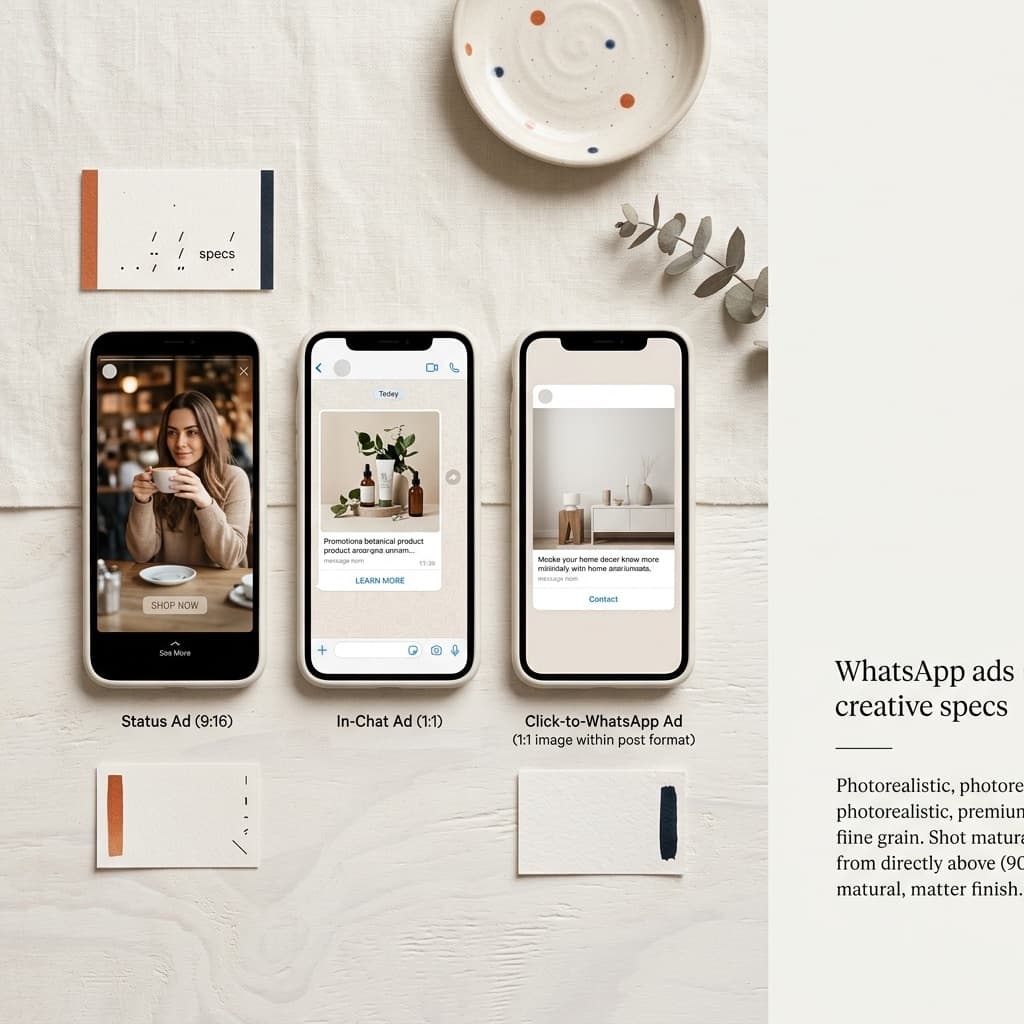
Overhead flat lay of three vertical phone frames showing full-screen 9:16 social ad placements on a warm off-white Nordic surface
On this page3 sections

Meta announced WhatsApp Status ads in the Updates tab. See Meta’s announcement. That does not establish feature availability in your account. Verify access before commissioning production.

Build specifications from the placement

Have the advertising owner document actual format, duration, text, destination and restrictions. Use these in the brief, without importing assumptions from another channel.

Vertical video is not automatically an approved Status ad. Check crops and interface overlays in the actual preview, and assign review of revised exports.

Plan the action after the ad

Choose an available destination, such as a product page or relevant conversation. If messaging is the next step, assign product-question responses. A message is not a purchase.

Use one clear message and action, saving the approved version, destination and specification-check date. If access is unavailable, clarify it before producing a large series.

Need new ads?
Describe your product and what you want to test.
Send your brief

A launch needs more than a video file

With the advertising owner, verify selectable placement, available destination, fields and previews before expanding production.

Test one clear product message for silent comprehension and interface overlap in the actual preview. An editorial phone illustration does not establish account configuration.

For conversations, assign responses and a route to ordering. A new chat establishes neither an order nor payment.

Connect launched version, destination and measured actions. Investigate messaging and the post-click process before assuming more videos will solve poor enquiries.

Have the account owner document the selected placement’s requirements before committing to a large production. Duration, aspect, available text fields and destination should come from the actual setup and relevant documentation. A vertical file is a starting point, not proof of suitability for every Status configuration.

Review the first export in the available preview, including interface overlap and silent comprehension. Assign any required export correction. Where the next step is messaging, plan who answers product and delivery questions and how a genuine order proceeds. Report conversations separately from orders and payments, then investigate the post-click route before deciding that additional video variants are the remedy.

Frequently asked questions

01Are Status ads available to everyone?
Verify placement and setup first.
02Can other channels’ specifications be reused?
Not as a substitute for the selected placement’s current requirements.

Sources

  1. 01Meta, Helping You Find More Channels and Businesses on WhatsApp, checked 13 September 2026

Next step

Get a proposal for your next ads.

Tell us about your product, audience and ad production needs. We review your brief and reply with a proposed next step.

Send your brief

Read next