Done-for-you AI product photography is a managed service: a studio locks your real product as the reference, generates the scenes around it, scores every render against that reference, and delivers finished files cut for every placement. AI Vidia runs that model for ecommerce brands and has shipped AI stills at a brand-safe review bar. This page is the operational explainer for how a done-for-you AI product photography engagement runs: what is included, what your brand hands over, how the catalog math works, and where a DIY tool still wins. If you are still shortlisting providers, the AI Vidia team keeps that question in a separate comparison of AI product photography services.
What done-for-you AI product photography is
The definition is narrow on purpose. Done-for-you means the studio owns the pipeline and the output, not the software. Your team hands over product, references and approvals; the studio returns named, on-brand, publish-ready files on a fixed monthly cadence. The opposite model is a self-serve tool, where your team owns every prompt, every retry and every miss. The distinction is not model quality. It is who is accountable for image 400 in month three.
The mechanism underneath is composite, not open generation. Generic AI product photography fails in four documented ways. Shape distortion warps the product's proportions between renders. Logo hallucination invents or mangles marks and label details. Color drift shifts the hero colorway from scene to scene. Material inaccuracy makes glass read as plastic or knit read as print. All four come from regenerating the product itself instead of protecting it.
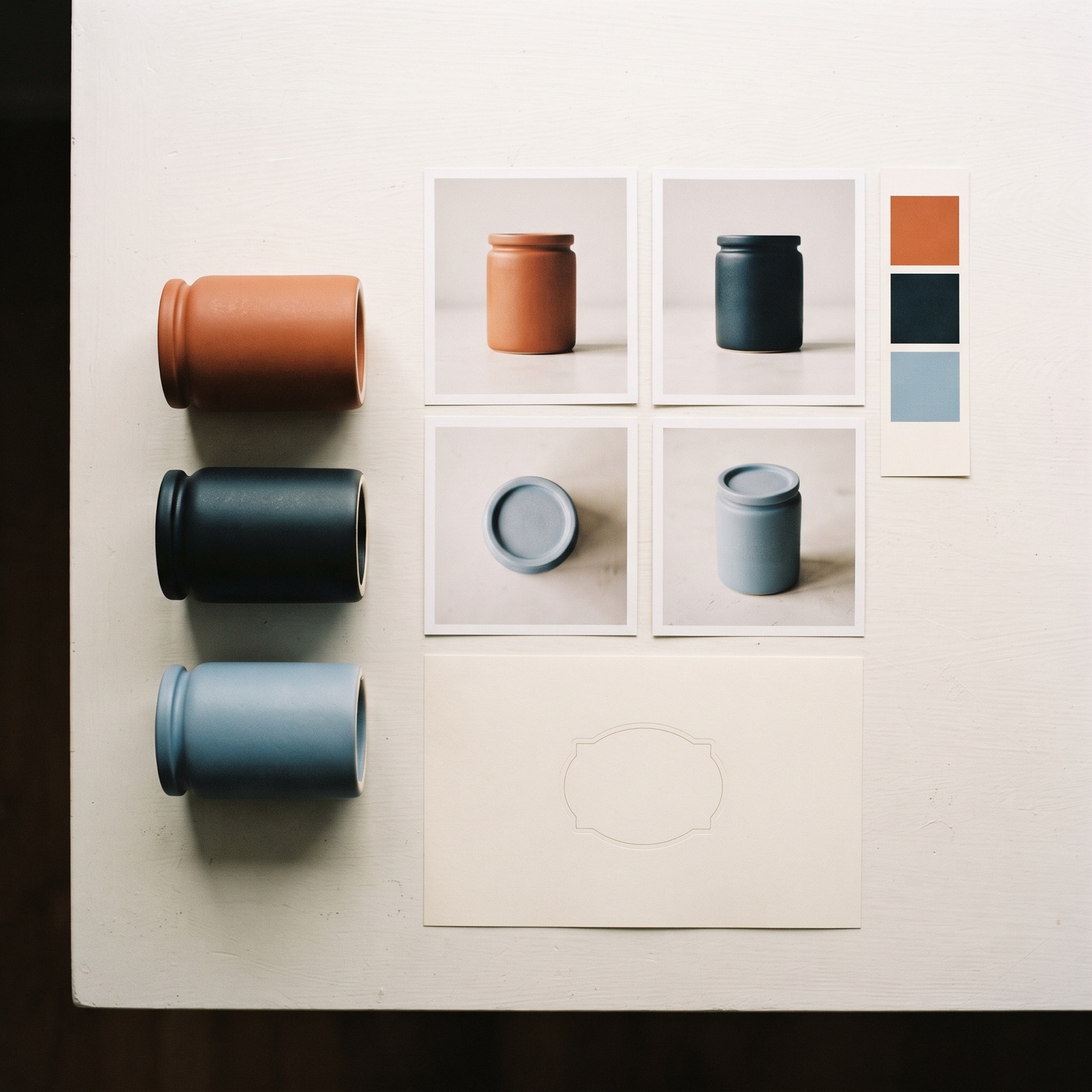
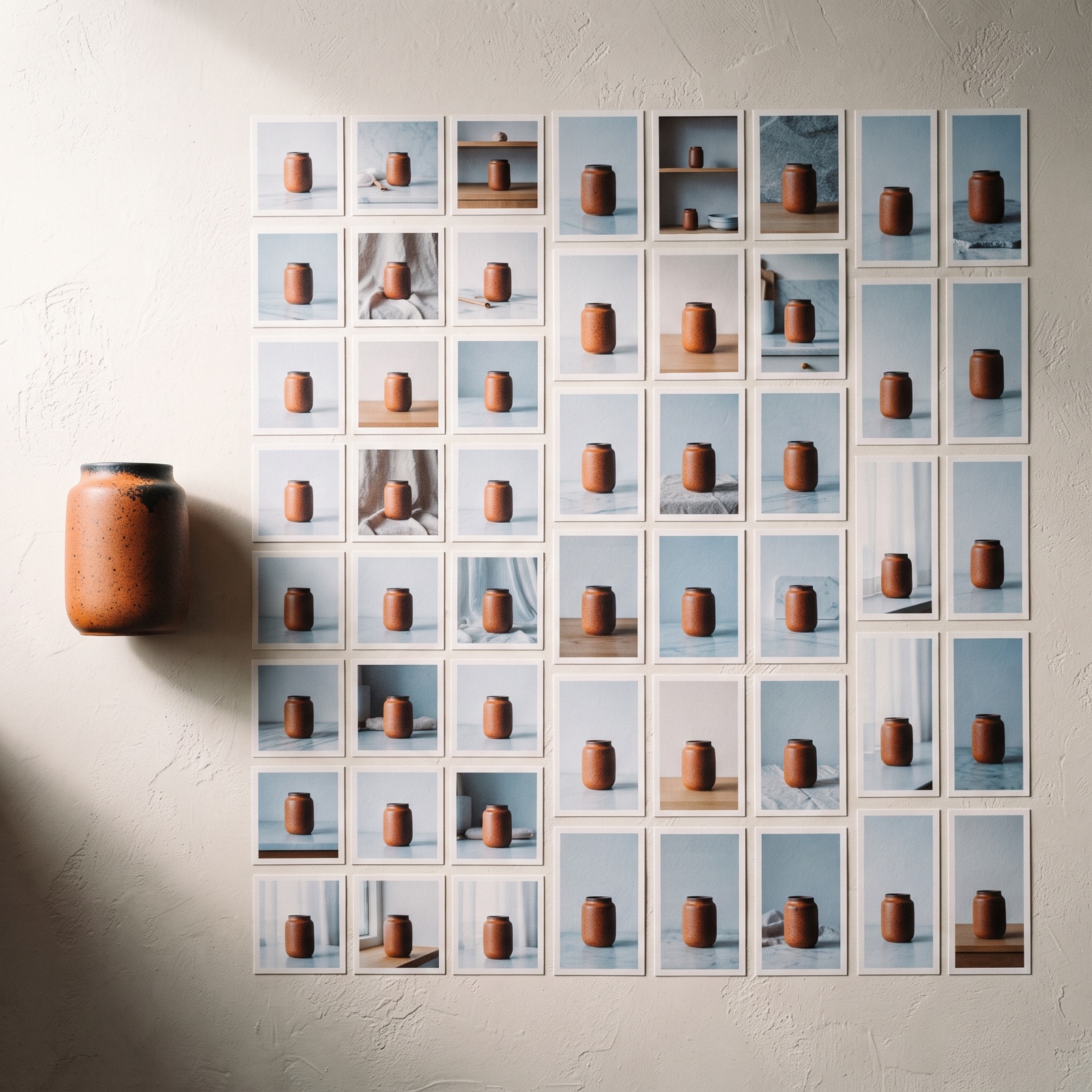
A brand-locked composite approach prevents all four by construction. Real product photography is locked as the reference, only the scene and lighting are generated around it, and a QC gate scores every output against that reference before anything reaches the client.

Why ecommerce brands hand product photography over
The demand curve is the reason, not the novelty. Meta for Business reports that campaigns with 5 or more creative variations see 30 to 50 percent lower CPA, which turns product imagery from a quarterly shoot into a weekly feed. Content Marketing Institute 2025 found that 73 percent of B2B marketing teams cite producing enough content as their biggest challenge, and DTC teams describe the same problem with less headcount to absorb it. A team of three designers cannot produce 200 assets per month when they are already stretched at 40, and hiring is not the fast fix: recruiting a senior creative takes 3 to 4 months.
Two categories break first, and both break on multiplication rather than craft. Apparel needs on-model shots across the size range, which means every garment shown on multiple body types for every drop instead of one model per style. Home and lifestyle needs room-scene mockups multiplied by room style, size and frame variant, so a single artwork can owe dozens of finished files before it reaches a product page. Neither is a creative problem. Both are throughput problems.
The second reason is drift. A tool-based workflow produces good images and inconsistent catalogs, because consistency lives in the head of whoever is prompting that week.
The Catalog Math
This is the strategic framework the AI Vidia team runs before quoting anything, because most brands buy a vague sense of "more images" instead of a number. Five steps size the real requirement, and the result is usually a monthly figure nobody has calculated.
- Count active SKUs. Count only the SKUs that need imagery in the next 12 months, not the full historical catalog. Discontinued lines and marketplace-only variants inflate both the number and the quote, and this is the multiplier everything else runs through.
- Multiply by scenes per SKU. Decide how many distinct scenes each SKU owes: a clean packshot, a lifestyle scene, an in-use scene, and a seasonal or gifting scene is a common four. Scenes are the creative decision in this equation, and most catalogs land between 3 and 6.
- Multiply by ratios per placement. Every master has to exist in the ratios your channels consume: 1:1 and 4:5 for feed, 9:16 for Reels and TikTok, 16:9 for YouTube and site banners, plus whatever your marketplaces enforce. Three ratios is the realistic floor for a brand running paid social, and shoot-era brands habitually undercount here.
- Add seasonal refreshes. Add the refresh cycles the calendar already commits you to: spring and autumn campaigns, Black Friday, a gifting window, a new colorway drop. Refreshes usually hit the top-selling subset rather than the full catalog, so scope them to the SKUs that actually carry spend.
- Divide by the months available. Divide the annual total by the months you have, then compare that monthly number against what your team ships today. If the gap is under 30 images a month, a tool and one owner can close it; past 100 a month, batch rendering with a QC gate is the only thing that holds.
A worked example makes the size obvious. Take 60 active SKUs at 4 scenes each: that is 240 masters. Cut each master into 3 ratios and you are at 720 files. Add two seasonal refreshes across the top 20 SKUs, at the same 4 scenes and 3 ratios, and you add 480 more. That is 1,200 finished images a year, or 100 a month, for a mid-sized catalog nobody would describe as image-hungry.
What your brand has to supply
Unclear inputs are the most common reason a done-for-you engagement runs slowly, and it is almost never the render step that stalls. Four inputs decide the first two weeks, and a brand that has all four ready sees first creative inside 72 hours of kickoff.
- Reference photography. The studio needs accurate photography of the real product, ideally more than one angle, evenly lit, unretouched, at full resolution. Retouched hero images alone are a weak reference because they already hide the geometry the lock has to preserve. If good references do not exist, capture them first; that half-day removes weeks of correction later.
- The colorway list. Every colorway is a separate lock, not a filter applied afterwards. Hand over the physical colorways or their measured values, and flag which ones are the hero variants that carry spend. Brands that supply "the blue one" are the brands that later dispute color drift.
- Packaging files. Label artwork, dielines and current packaging versions let the pipeline place the mark correctly instead of asking the model to reconstruct it. This is the single input that removes logo hallucination from the risk list. Send the current version, and flag which SKUs are mid-redesign.
- Brand guidelines and a named approver. Guidelines set the lighting language, surfaces, props and forbidden treatments. One named approver with authority to say yes is worth more than a full guideline deck, because review queues stall on committees, not on files.
Everything else is the studio's job. The brand does not write prompts, manage renders, run retries or resize files for placements. When an engagement is late, the cause is almost always missing references, an undecided colorway or an approver who was never named.